






/1790220944_1295-200x200h.png "Ourlife 4K Ultra HD Digital Camera – 75MP, 20X Optical Zoom, Dual Cameras, WiFi & 3000mAh")
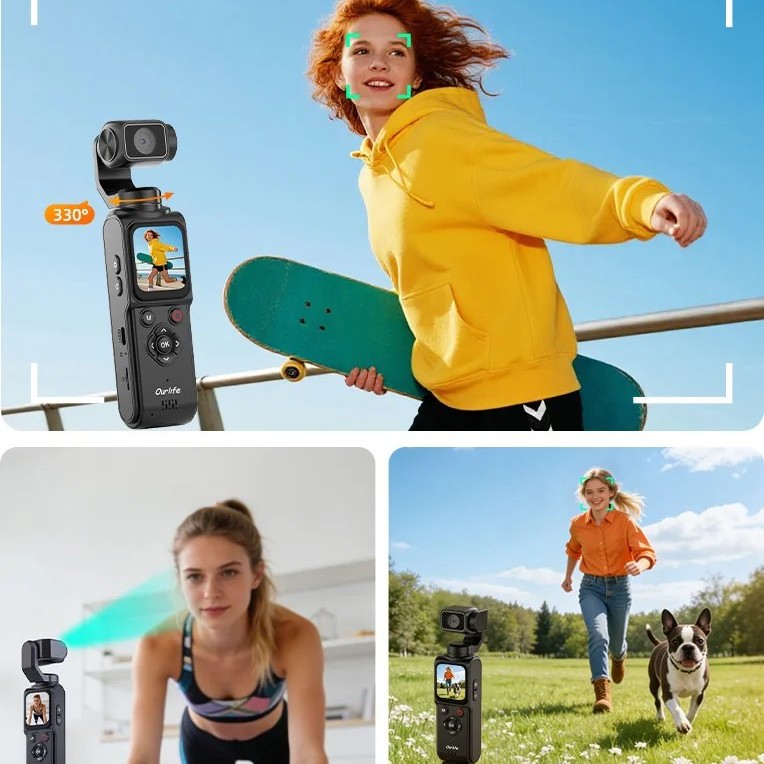
330° single-axis face tracking
The camera rotates on one axis to follow a detected face during solo recording.
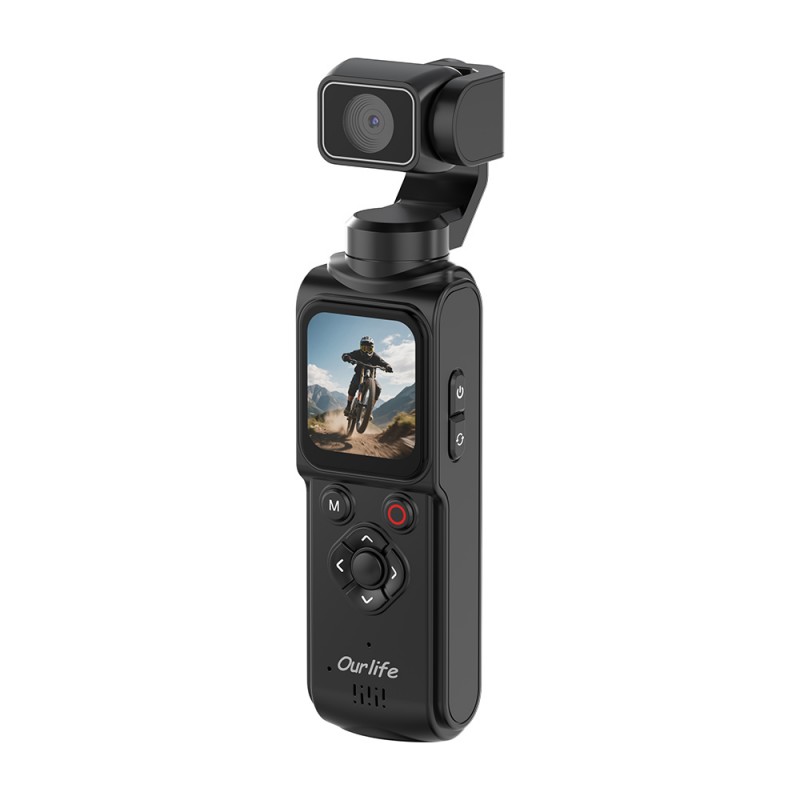
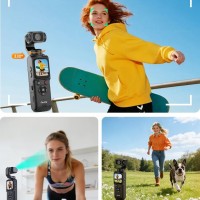
Create solo. Stay in frame. A practical creator camera for tutorials, unboxings, desk demonstrations and fixed-position solo videos, with face tracking, touch control and useful accessories in one kit.
The camera rotates on one axis to follow a detected face during solo recording.
Record everyday creator video at up to 4K resolution and 30 frames per second.
Frame the shot and adjust settings on the 2.5D touch display.
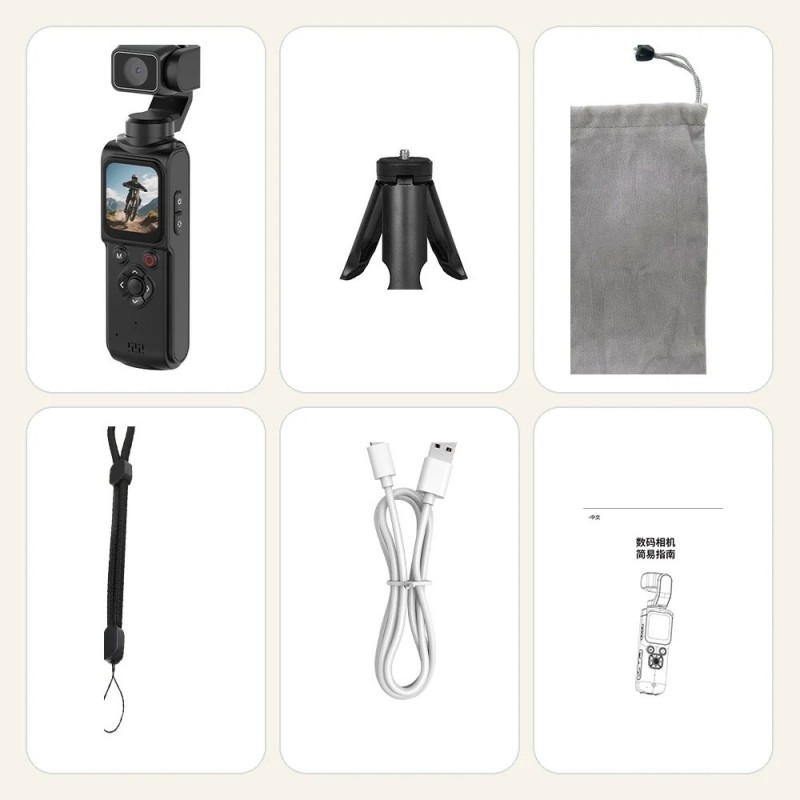
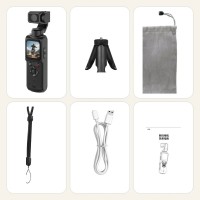
A tripod, pouch and lanyard are included with the camera and core accessories.
Use webcam mode with supported computers and Wi-Fi functions through the HDVCAM app.
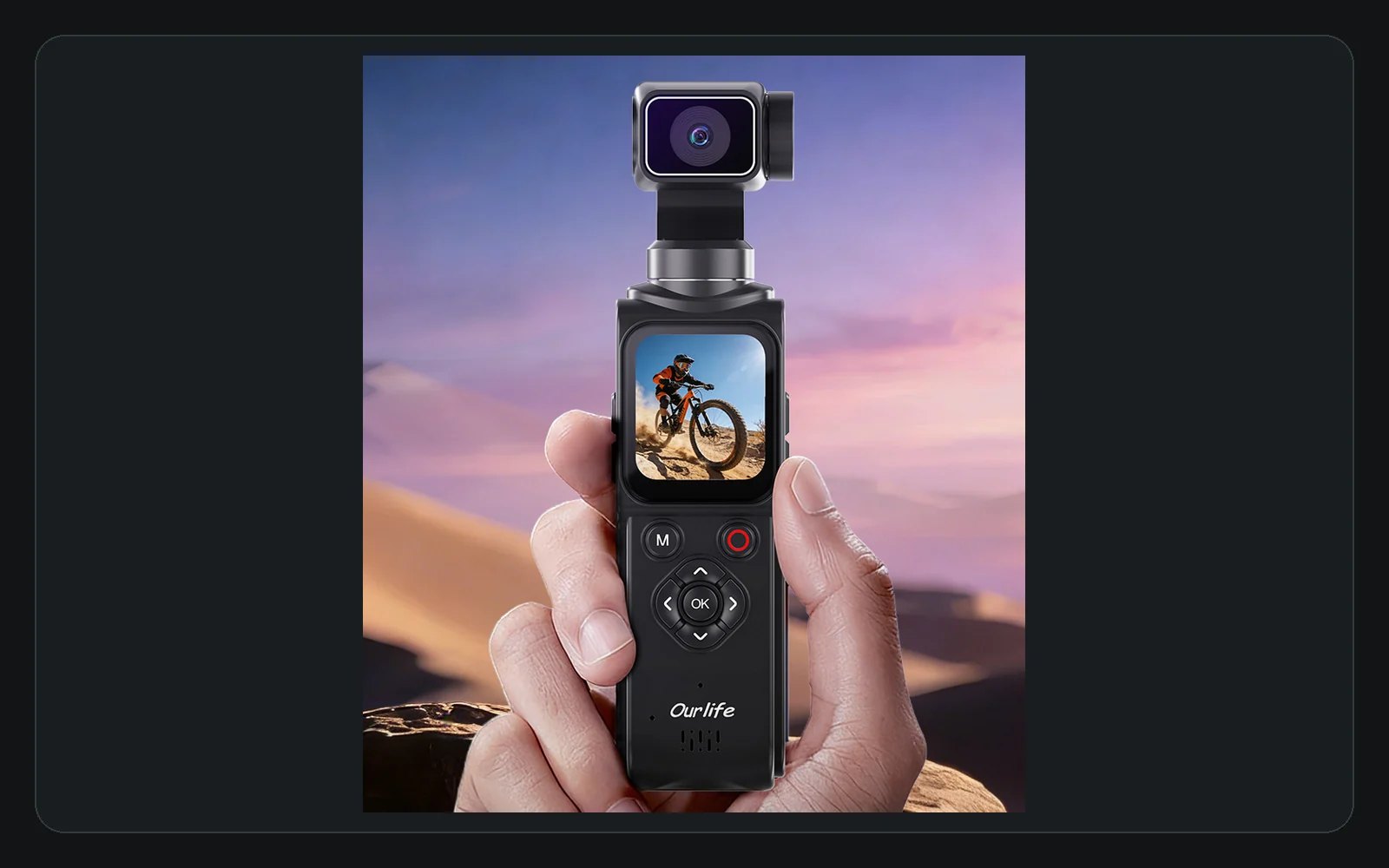
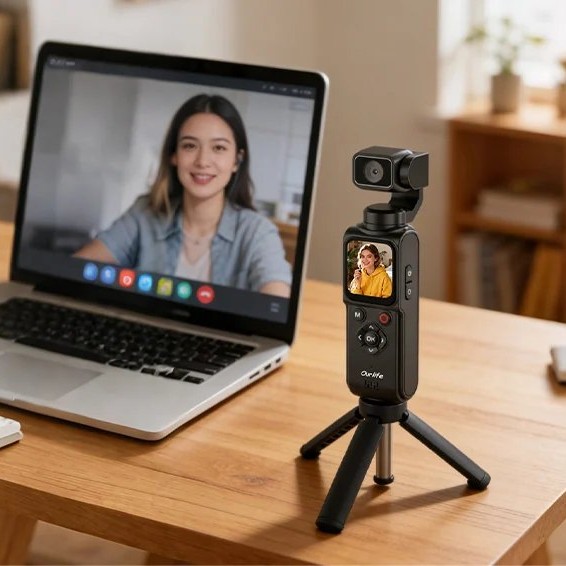
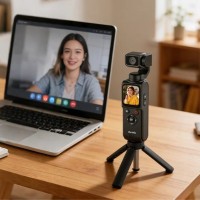
Set the AT-M105 on the included tripod for tutorials, unboxings, desk demonstrations and fixed-position solo clips. The compact camera, touch controls and included carry accessories keep the setup straightforward.
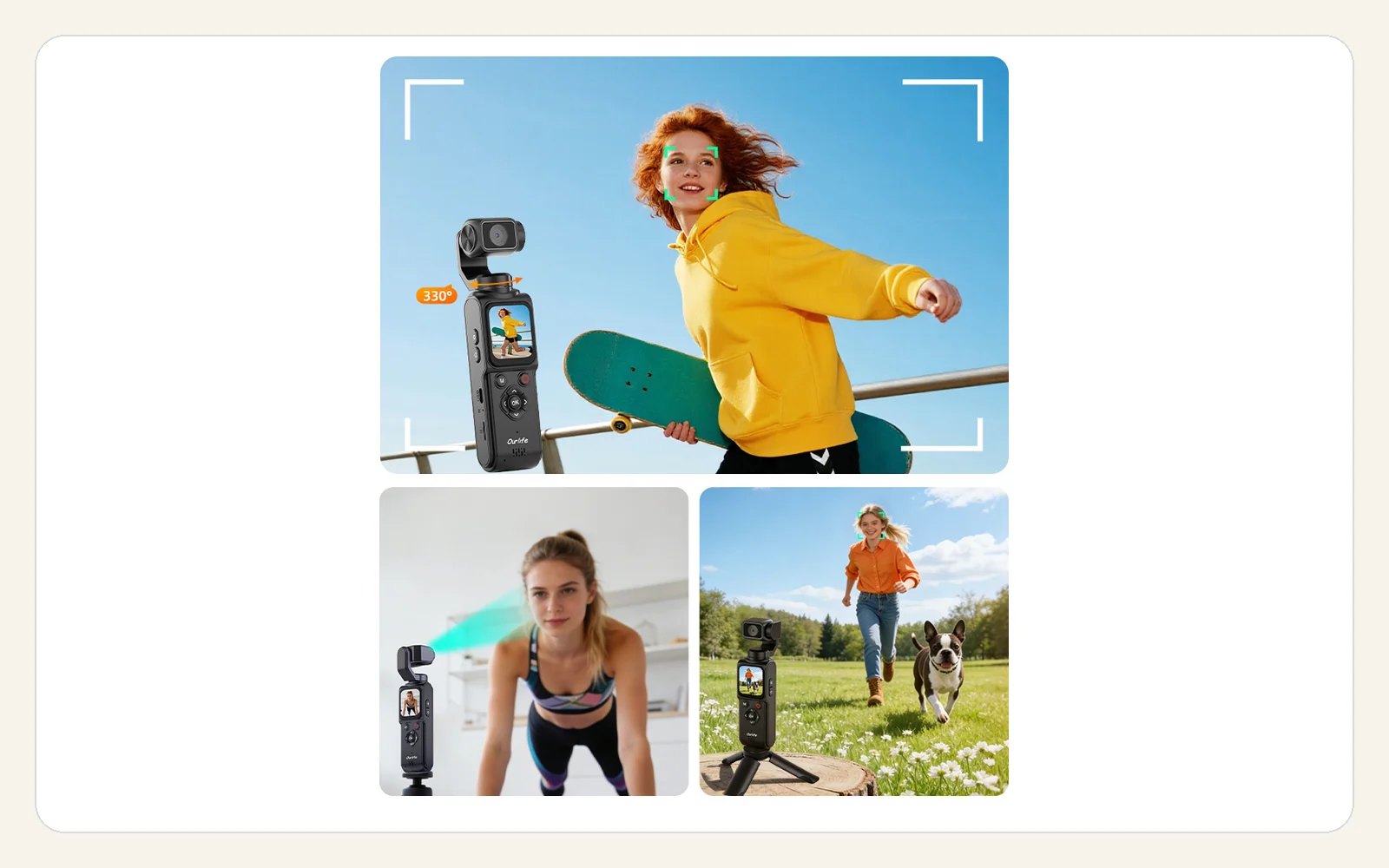
Automatic face tracking rotates the camera through a 330° range on one axis as a detected face moves. It is a tracking feature, not a multi-axis gimbal or image stabilization.
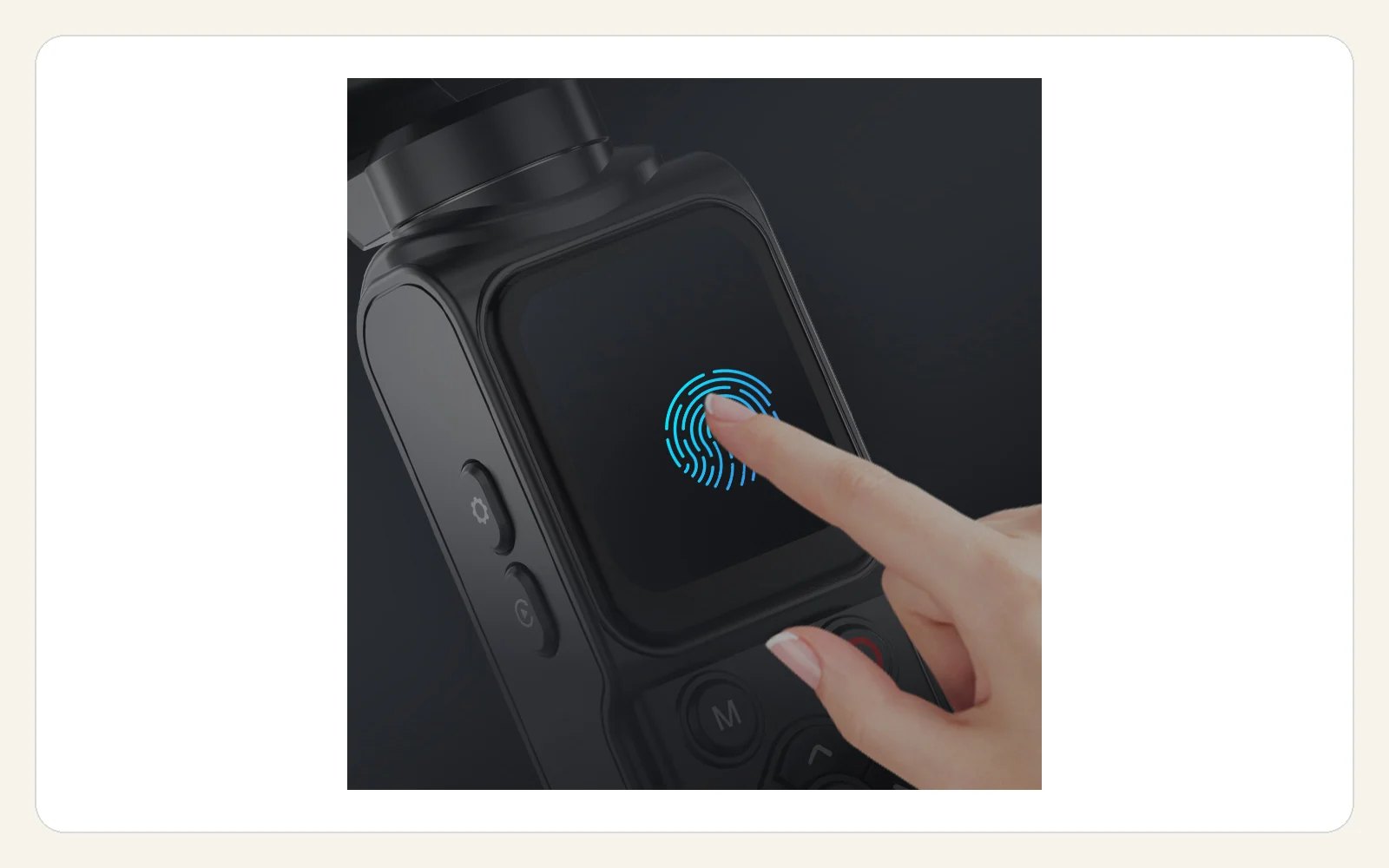
Record at up to 4K and 30fps, frame the shot on the 1.72-inch 2.5D touch display and use autofocus from 20cm (7.9in) to infinity. The sensor is 16MP; the up to 64MP still-photo setting is interpolated.
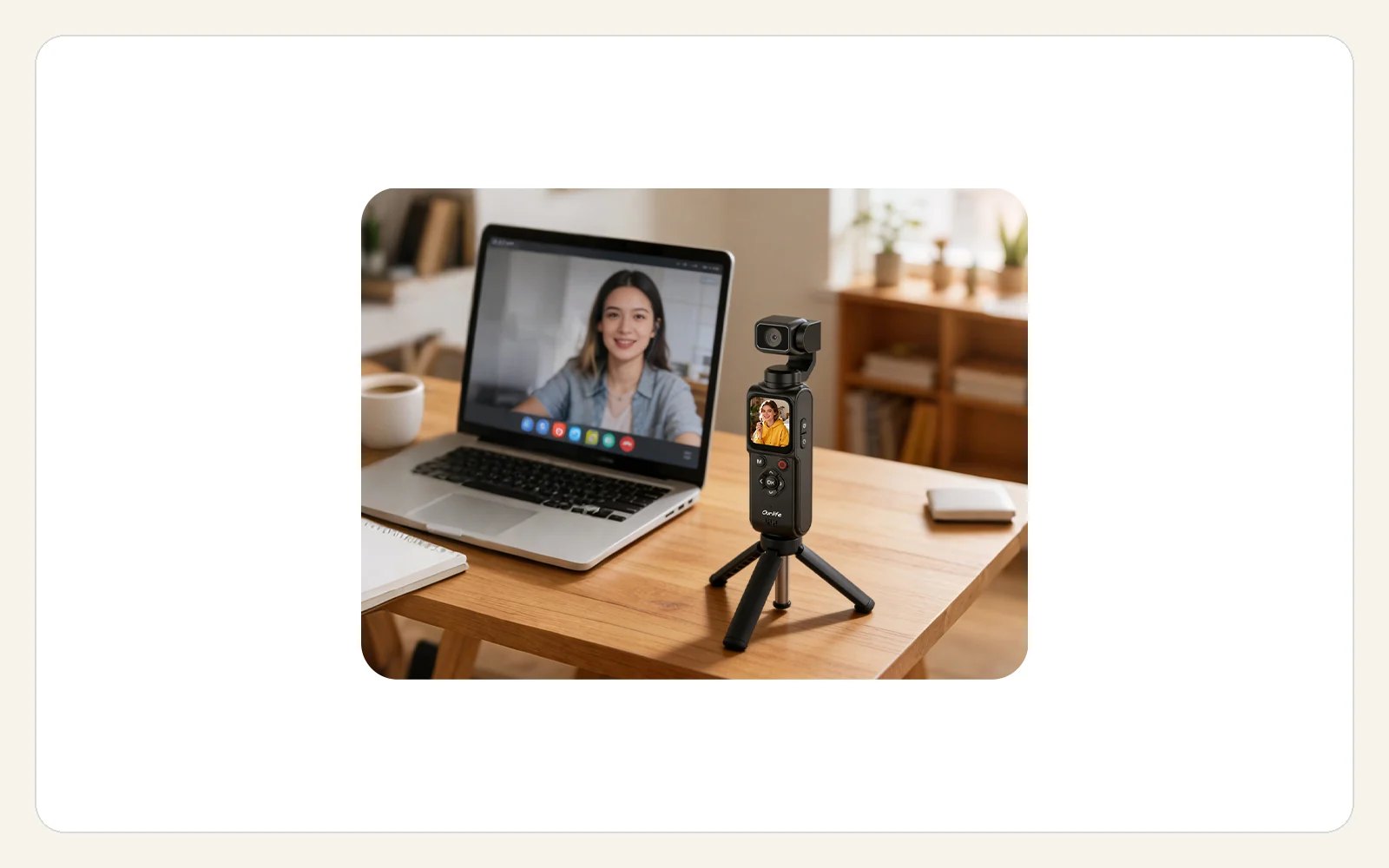
Use the AT-M105 as a webcam with Windows 7 or later or macOS, access Wi-Fi functions through the HDVCAM app, and keep recording while connected to charging power. No fixed recording-duration estimate is claimed.
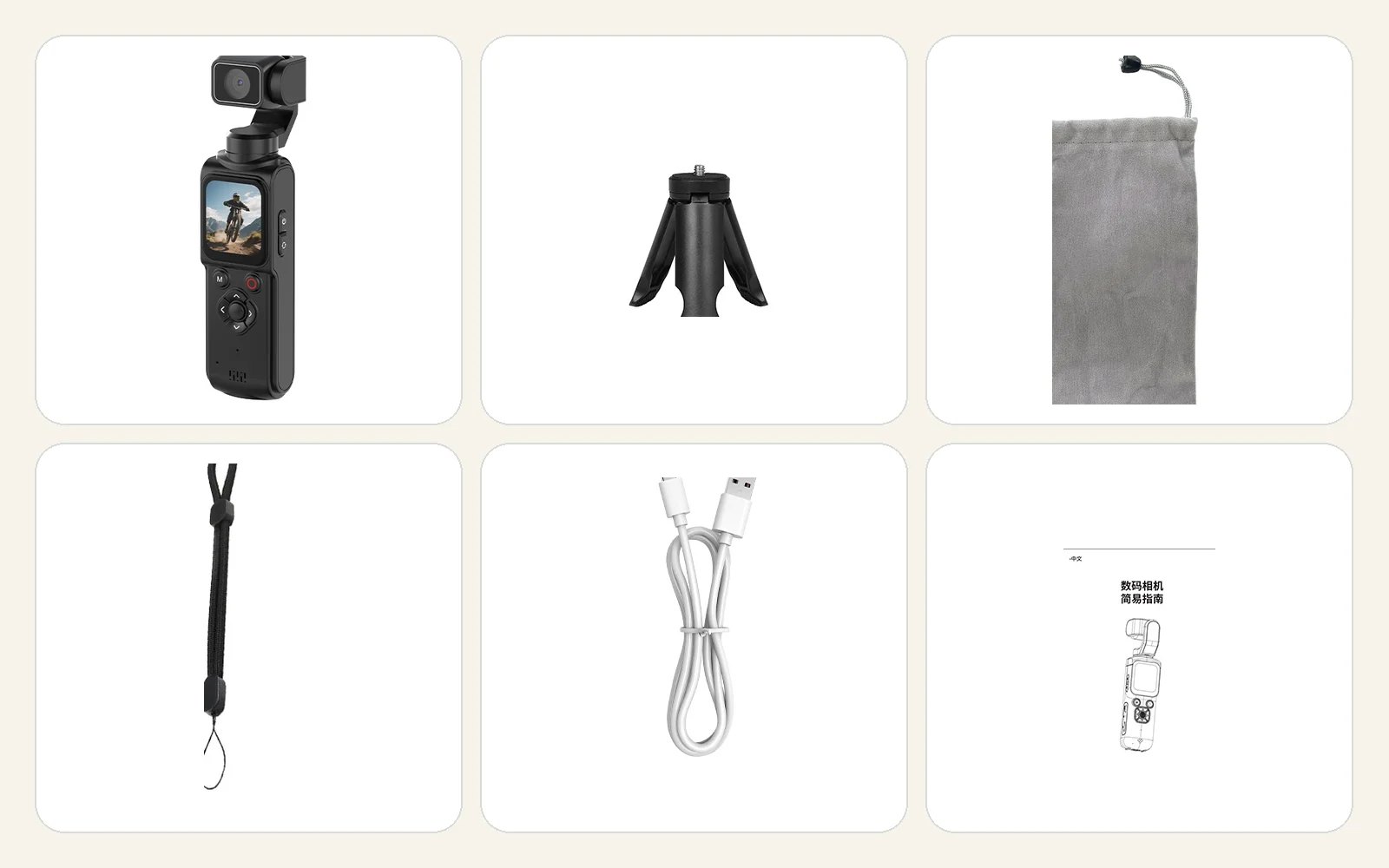
The package includes the AT-M105 camera, USB cable, user manual, lanyard, pouch and tripod. A MicroSD card is required and sold separately; use a Class 10 card up to 256GB.
Fictional sample copy for storefront demonstration only. These are not verified customer reviews.
The included tripod made my desk tutorial setup feel straightforward, and I could frame the shot on the touch screen.
For a fixed indoor shot, the 330° single-axis tracking is the feature I wanted most when moving between items on my desk.
At $199, having the camera, tripod, pouch and lanyard together feels like a practical way to start creating.
The compact body fits comfortably into my desk setup, and 4K at 30fps covers the basic unboxing videos I plan to make.
The 1.72-inch touch display gives me a direct way to frame a shot and change settings without adding another device.
I like that the same compact camera can also be used as a webcam when I switch from recording to a computer call.
Autofocus from 20cm to infinity suits the mix of close desk items and wider tutorial framing I normally use.
The tripod, pouch and lanyard are the kind of basic accessories I would otherwise need to buy separately.
HDVCAM support gives me another way to use the camera over Wi-Fi when that fits my setup.
The narrow upright design takes up little room and is easy to place beside the other gear on my desk.
This makes the most sense to me as a tripod-mounted camera for tutorials, demonstrations and other planned solo shots.
I appreciate that the tracking is described as single-axis rather than being presented as a multi-axis gimbal.
The touch screen, autofocus and included tripod make the feature set well matched to small product demonstrations.
macOS webcam support is a useful addition because I can keep one compact camera in my desk setup for two roles.
I can see this working well as a fixed second angle while my main camera handles the wider view.
The touch display and autofocus give me the main controls I want when preparing a simple solo shot.
Support for recording while connected to charging power is useful for longer desk sessions without promising a fixed runtime.
Face tracking and the included tripod put the main pieces of a solo recording setup into one compact kit.
The feature mix suits my needs, but a MicroSD card is required and needs to be purchased separately.
The 330° tracking is useful for a fixed setup, as long as you understand that it rotates on one axis and is not a three-axis gimbal.
4K at 30fps is enough for my planned desk content, though anyone needing 4K60 should look at a different class of camera.
The touch controls and included accessories keep the setup simple, which matters more to me than having a long feature list.
Webcam support for Windows and macOS adds flexibility even though my main use would still be recorded tutorials.
I would choose this for tripod-based and prepared shots rather than treating it as a stabilized handheld camera.
The camera and included pouch make a tidy package for a small workspace or a creator bag.
At $199, the combination of touch control, face tracking, webcam use and included tripod feels sensibly balanced.
I expected more help for handheld movement at first, but this is single-axis face tracking rather than image stabilization, so I would keep it on the tripod.
I would have preferred a card in the box. It requires a Class 10 MicroSD card and supports capacities up to 256GB.
Compare recording, display, connectivity, storage and physical details before you buy.
| Imaging | |
| Video resolution | Up to 4K at 30fps |
|---|---|
| Image sensor | 16MP CMOS |
| Still-photo setting | Up to 64MP (interpolated) |
| Focus | Autofocus, 20cm (7.9in) to infinity |
| Lens | F1.8, f=4.047mm |
| Display and tracking | |
| Display | 1.72-inch 2.5D touch screen |
| Face tracking | 330° single-axis automatic face tracking |
| Storage and power | |
| Memory card | Class 10 MicroSD, maximum 256GB |
| Battery | Built-in 2400mAh lithium battery |
| Connectivity | |
| Webcam systems | Windows 7 or later; macOS |
| Wi-Fi application | HDVCAM |
| Physical | |
| Dimensions | 38.65 × 29.9 × 158mm (1.52 × 1.18 × 6.22in) |
| Net weight | 173 ± 5g (6.10 ± 0.18oz) |
| Tripod interface | 1/4-inch threaded interface |
| Capture modes | |
| Listed modes | Timer, time-lapse, burst, smile capture, beauty and 31 filters |
MicroSD card required. Sold separately. Use a Class 10 card with a capacity of up to 256GB.
Yes. The listed maximum video setting is 4K at 30fps.
Use a Class 10 MicroSD card with a capacity of up to 256GB. A memory card is not included.
No. The camera uses a 16MP CMOS sensor; the 64MP still-photo setting is interpolated.
No. The specified function is 330° automatic face tracking on one axis. It is not listed as a multi-axis gimbal or image-stabilization system.
Webcam support is listed for Windows 7 or later and macOS. Wi-Fi functions use the HDVCAM app.
Yes. Charging while recording is listed as a supported function. No fixed recording-duration estimate is claimed.